

Installation guide
Set Up Your CraftStrom System
A CraftStrom system has two parts: Load Guard, the smart power meter in your breaker box, and the solar kit that plugs into an outlet. This guide summarizes the setup. Always follow the full CraftStrom Manual.
A sunny spot
A balcony, patio, yard, fence or flat roof with as much direct sun as possible. Panels must be securely mounted, never left freely standing.
An outlet and a circuit
A standard outlet for each inverter. Up to 2,000 W can be connected to one dedicated 15 A circuit.
2.4 GHz Wi-Fi
A dedicated 2.4 GHz Wi-Fi network for registering your devices in the CraftStrom app.
Part 1
Install Load Guard (Power Meter)
Live electrical parts. Load Guard is installed inside your breaker box. This work must be done by qualified personnel, following local electrical codes. Remove the main fuses before starting and never work on the meter while voltage is present.
Check the breaker box
About four fuse positions of space, short cable routes to all phases, and the meter’s antenna connectors and reset button reachable after installation. Load Guard is for indoor use only.
Mount and connect
Test-fit Load Guard on the DIN rail, then connect L1 (black) to the left phase, L2 (red) to the right phase and N (white) to the neutral bar. Tighten all terminal screws.
Install the CT clamps
Place one current clamp around each main supply conductor (L1 and L2), each around a single conductor, both facing the same direction. If the meter shows negative values, reverse the clamp.
Place the antennas
Attach both antennas in the upper part of the breaker box: the Wi-Fi antenna (two coils) upright, the MHz antenna (one coil) horizontal.
Power up and register
Reinstall the main fuses. Load Guard starts measuring, and you register it in the CraftStrom app.
Part 2
Set Up the Solar Kit
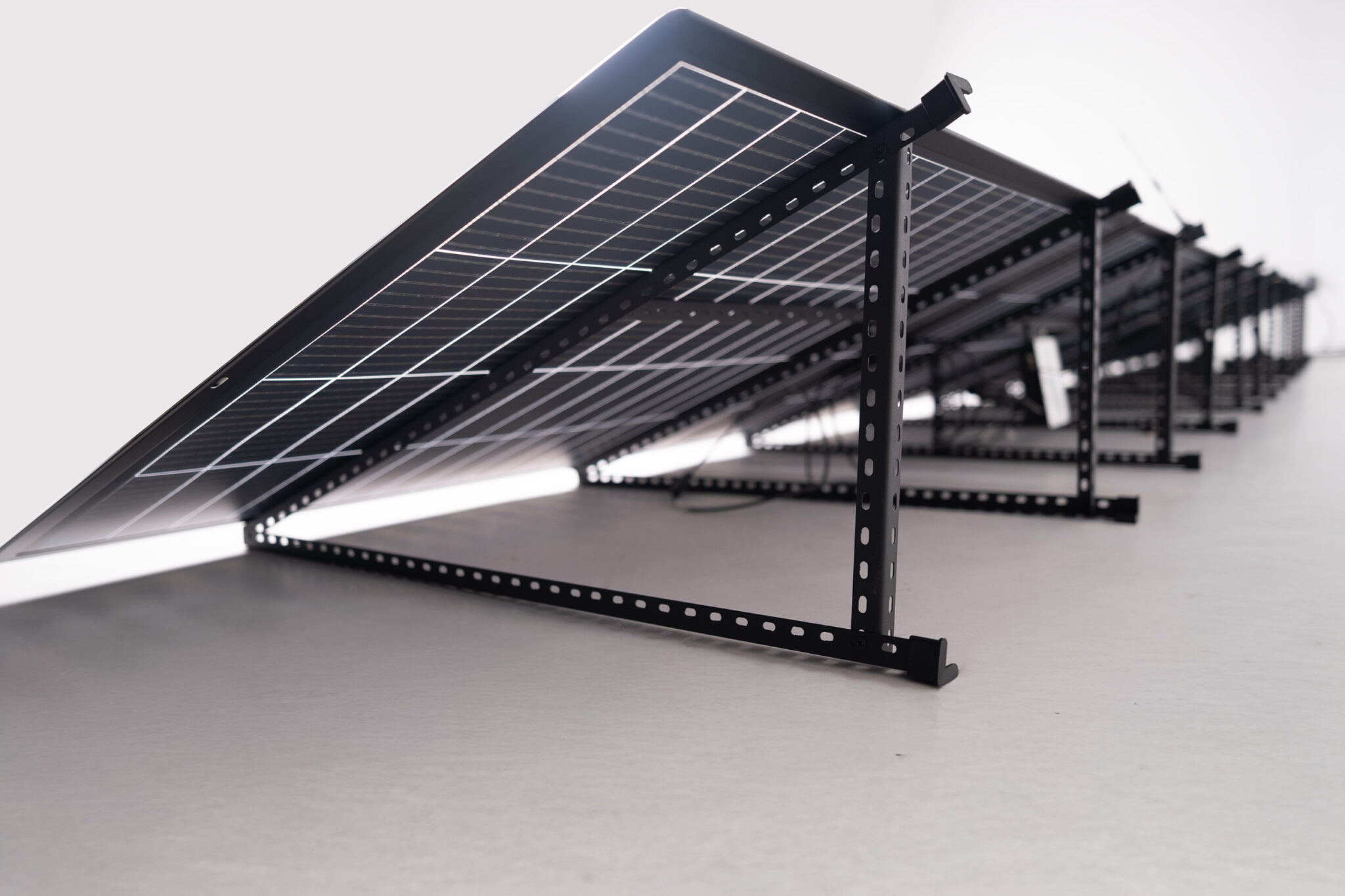
Unpack the panels
Handle panels carefully. Do not step on them, strike them, or bend them more than 30°.
Prepare the microinverter
Attach the Wi-Fi (2.4 GHz) and MHz (433 MHz) antennas to the inverter.
Connect the panels
Connect the panels to each other and to the inverter with the MC4 connectors. They only fit one way; make sure each one clicks in fully.
Mount the inverter
Choose a shaded, dry place with good airflow. The inverter housing gets warm during operation.
Connect AC power
Connect the AC cable to the inverter and plug it into a standard outlet. Do not power other devices from the same outdoor outlet, and connect only one inverter at a time during setup.
Pair in the app
Add each inverter in the CraftStrom app, one at a time, to avoid Wi-Fi interference.
Final check
Make sure all connections are secure, the inverter is mounted, the antennas are positioned and the system reports in the app.
The CraftStrom app
Once registered, your devices talk to each other over their own 433 MHz network, and send data to the app over 2.4 GHz Wi-Fi. The free app shows production, consumption and battery storage in real time, in the same kWh units as your electricity bill.
Care & maintenance
- Remove heavy snow from the panels.
- Clean with mild soap and water. No brushes or abrasive tools.
- Check cable connections regularly for wear or animal damage.
- Secure panels against strong crosswinds.
Need a Hand?
Download the full manual or contact our U.S.-based support team.
FAQ
Frequently Asked Questions
Will it work with my outlet and circuit?
Most homes use a standard outdoor or indoor outlet on a circuit without heavy loads. Load Guard watches your home's use and turns output down to stay within the safe circuit limit. Run our 5-point outlet check before you buy.
Will it save enough to be worth it?
Tell us your bill and we'll show three numbers: conservative, typical and best-case. Savings come from using the power at home during the day.
Where can I put it?
Anywhere with 4+ hours of direct sun near an outlet: balcony, fence, deck, porch, shed or yard. The kit finder asks about your spot and cable run.
Will it run my house in an outage?
Solar alone lowers your bill but doesn't power your home when the grid is down. Add a battery kit to keep essentials like the fridge, lights and Wi-Fi running.
Is it allowed where I live?
Yes. CraftStrom works in all 50 states. Load Guard keeps every watt in your home, so nothing flows back to the grid.
What happens to extra power?
Your home uses solar first. If you're making more than you use, Load Guard turns the panels down, or a battery stores it for later.
What will I pay and when will it arrive?
See your full price, shipping and delivery window before checkout. No surprise accessories.
Can I take it with me?
Yes. It unplugs and moves with you, and it works in all 50 states.
Can I trust the equipment?
UL-certified inverters, NEC compliant, tested by Lawrence Berkeley National Lab and NREL, with warranties of up to 20 years.
What if I get stuck?
Our Houston team can walk you through Load Guard setup or Wi-Fi by appointment, and our FAQ covers the rest. Call (832) 850-3832.
More questions? Call (832) 850-3832 or email us.